
Download EA App – EA Games, EA App for Android, EA App free, EA App latest version, EA App APK
Overview
The EA App is a modern mobile platform developed by Electronic Arts to serve as a centralized hub for managing EA games, accessing the in-app store, and staying informed about new releases and promotions. Designed as a successor to the Origin platform, the app aims to streamline the user experience by consolidating essential gaming functions into a single, intuitive interface. Its primary purpose is to simplify game discovery, library management, and account access for EA enthusiasts across Android devices.
Target users include casual and dedicated gamers who own or are interested in EA titles such as FIFA, Madden NFL, The Sims, and Battlefield. The app is particularly beneficial for users who want a unified experience across multiple games, avoiding the need to switch between platforms or browsers for account management and purchases. It serves as a digital gateway to EA’s expansive library, offering real-time updates on game patches, seasonal events, and exclusive in-app offers.
Electronic Arts, a well-established developer in the gaming industry, brings its extensive experience in game distribution and user engagement to this application. While the developer did not provide additional technical details, the app’s design reflects a clear focus on usability and accessibility. The EA App plays a key role in the broader gaming ecosystem by enhancing player retention and engagement through personalized content delivery and improved navigation.
Key Features & Functionality
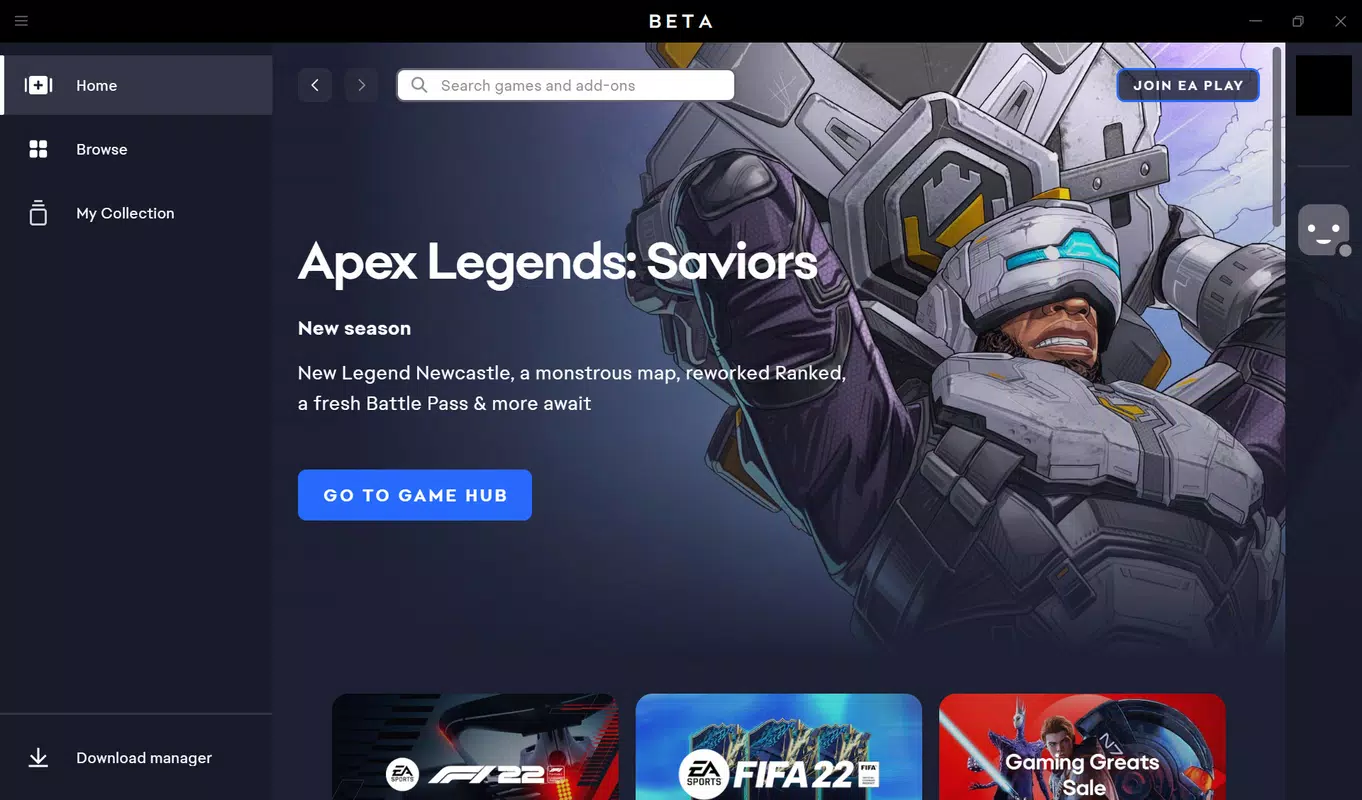
- Intuitive Interface – The Home tab delivers a personalized feed with game updates, new releases, and current promotions, ensuring users stay informed without navigating deep into menus.
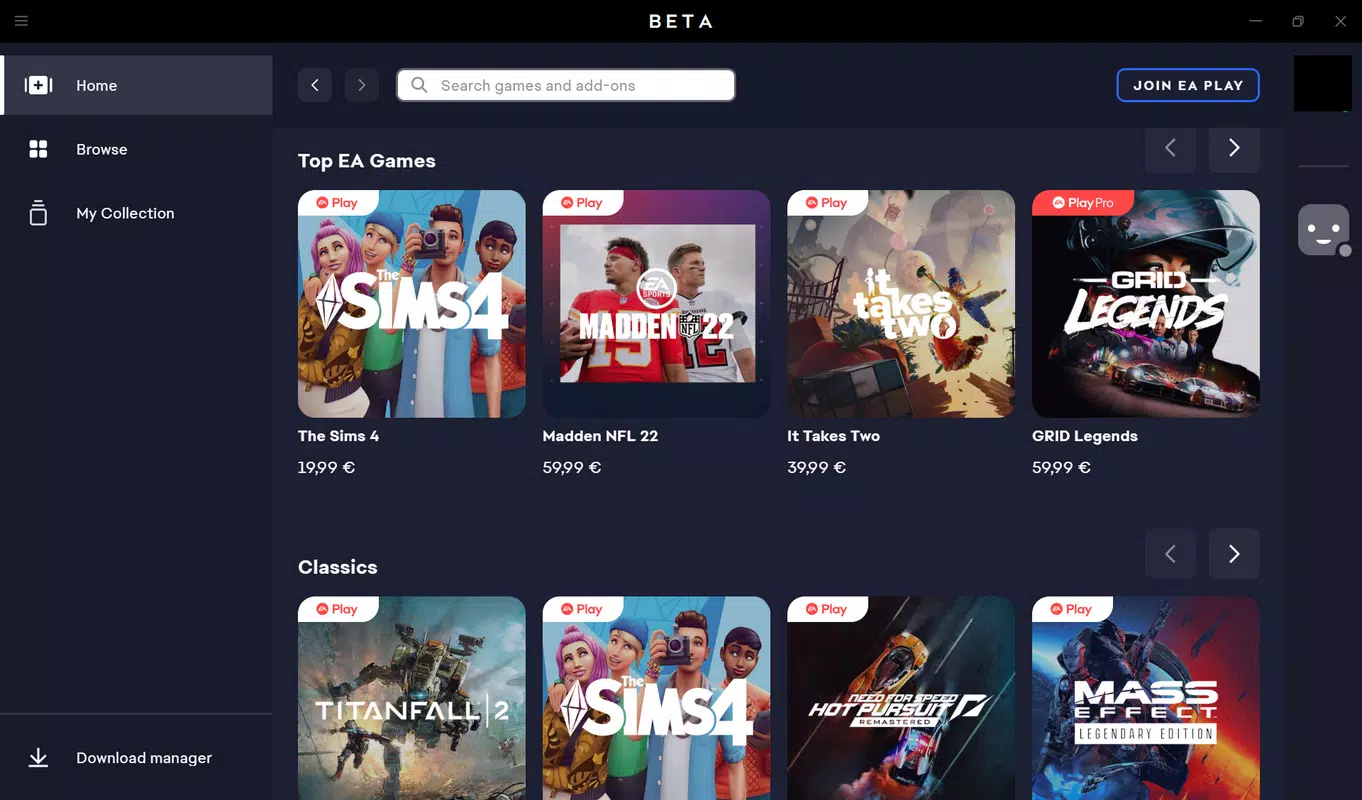
- Simplified Browsing – The Browse tab allows users to explore the full catalog of EA games with enhanced filtering by genre and language, improving search efficiency and discovery.
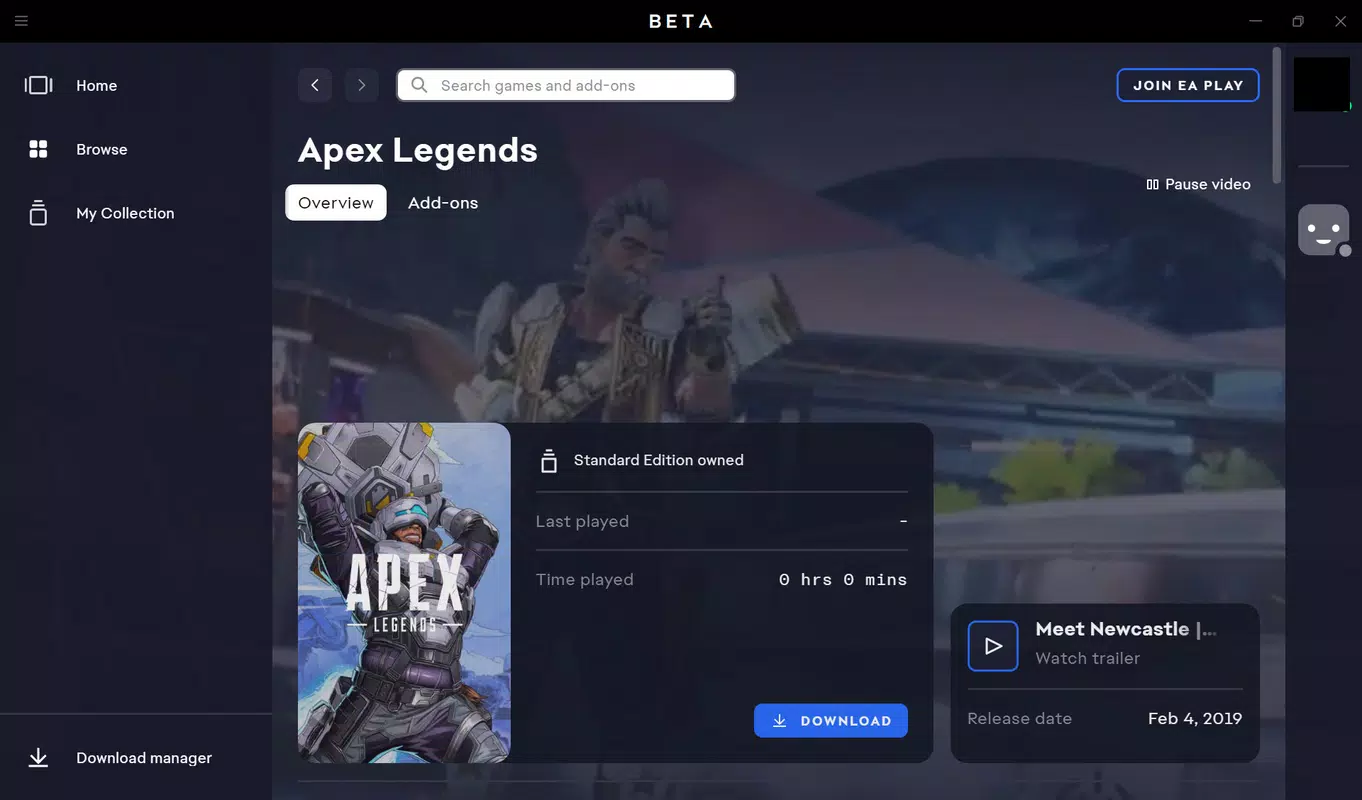
- Enhanced Library Management – The Collection tab clearly displays installed and uninstalled games, enabling quick access and better organization of one’s game library.
- Profile and Friend List Management – Users can update profile information and manage connected friends and third-party apps, with some advanced settings requiring browser access.
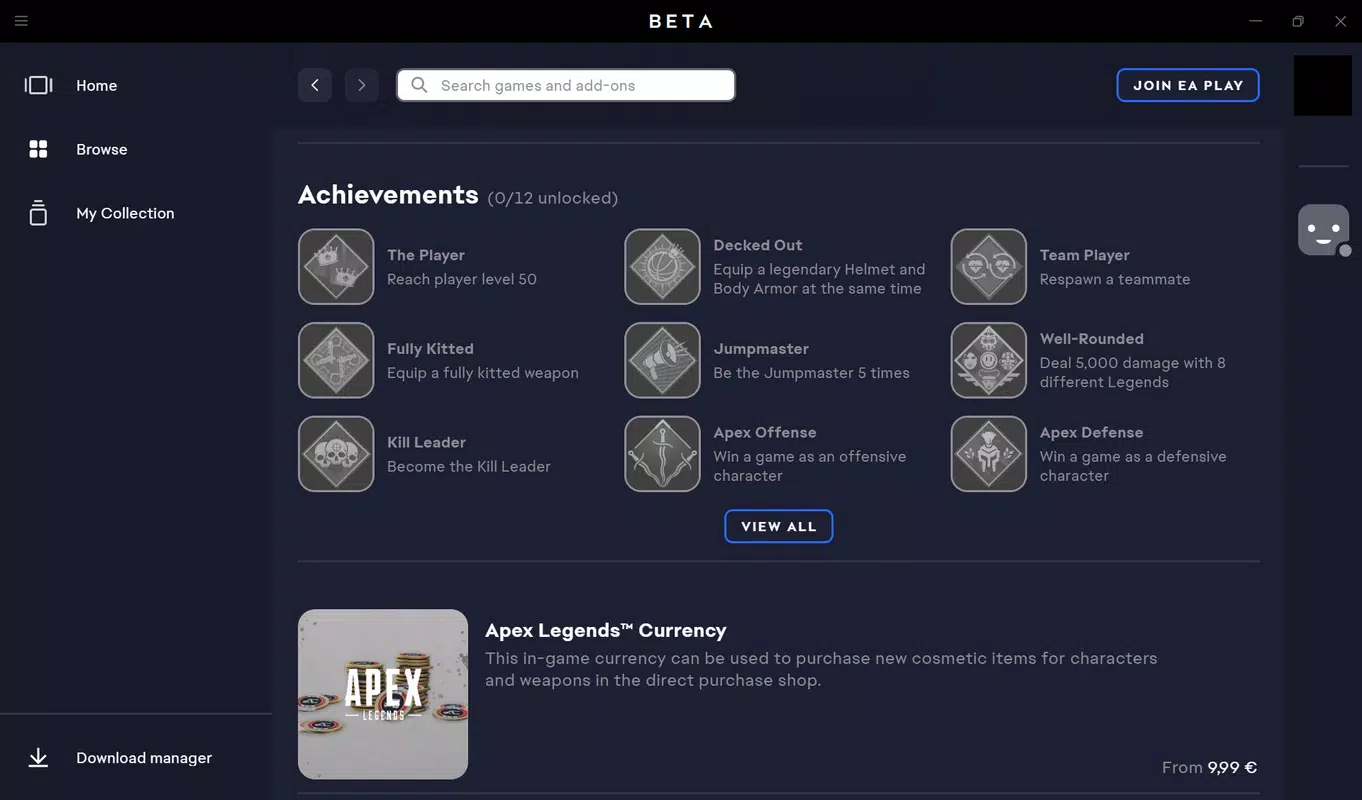
- All-in-One Game Store and Portal – The app consolidates game purchases, downloads, and account services into a single environment, reducing friction in the gaming workflow.
For example, a user can check for a new FIFA patch update on the Home screen, browse available DLCs in the Browse section, and then quickly install a game from their Collection tab—all without leaving the app. This integration supports a seamless, end-to-end experience that enhances user satisfaction and reduces dependency on external platforms.
Interface, UX & Performance
The EA App features a clean, modern UI with a consistent layout across all major sections. Navigation is structured around a bottom tab bar, offering quick access to Home, Browse, Collection, and Profile. The visual design emphasizes readability and responsiveness, with clear icons and minimal clutter, contributing to a polished user experience.
Users can expect smooth transitions between screens and fast load times when accessing game details or browsing categories. Although the developer did not list formal performance metrics, the app’s lightweight size of 82.8 MB suggests optimized resource usage. It is designed to function efficiently on a range of Android devices, from mid-tier to high-end models, without significant lag or crashes.
Responsiveness is maintained during interactions such as filtering games or refreshing the home feed. Stability appears to be a priority, with no reported issues in the current release. The app adapts well to different screen sizes and orientations, ensuring a consistent experience across various Android smartphones and tablets.
Platform Compatibility & Technical Requirements
The EA App is available exclusively on the Android platform. It requires Android 6.0 or higher, though the developer did not specify minimum OS requirements in detail. The app has a file size of 82.8 MB, making it suitable for devices with moderate storage capacity.
Version 2.0.3 is the latest release as of April 15, 2024. The app is free to download and install, with no in-app purchases or subscription fees required. While the developer did not disclose full compatibility information, the app is designed to run on a wide range of Android devices, including both smartphones and tablets.
Pros and Cons
Pros
- Streamlined navigation with a user-friendly interface
- Centralized access to games, store, and account features
- Improved library management for installed and uninstalled titles
- Free to download and use with no hidden costs
- Lightweight size suitable for devices with limited storage
Cons
- Search functionality lacks advanced filters like saga or series-based queries
- Some profile and social settings require browser access
- Limited information on device compatibility and system requirements
- No official support for iOS or other platforms
- Feature set may not fully replace desktop-level functionality
FAQ
Is the EA App free to download and use?
Yes, the EA App is available at no cost on Android. There are no subscription fees or mandatory in-app purchases.
Can I access my EA games and purchases through the app?
Yes, the app allows users to view, manage, and install games from their library, provided they are linked to an EA account.
Is the EA App available for iOS devices?
The developer did not disclose iOS availability. The app is currently confirmed for Android only.
How often is the EA App updated?
Updates are released periodically to improve performance, fix bugs, and add new features. The latest version is 2.0.3, released on April 15, 2024.
Is my personal data secure when using the EA App?
As a product of Electronic Arts, the app follows industry-standard security practices for user authentication and data protection. Users are advised to use strong passwords and enable two-factor authentication when available.
Final Thoughts
The EA App represents a significant step forward in mobile game management, offering a focused, efficient, and secure way to interact with EA’s gaming ecosystem. With its intuitive layout, enhanced library tools, and integrated store, it delivers a cohesive experience tailored to modern gamers. While it lacks some advanced search capabilities and browser-dependent settings, its strengths in usability and accessibility outweigh these limitations.
Whether you're a casual player checking for updates or a dedicated fan managing multiple titles, the EA App provides a reliable, free tool to stay connected with your favorite games. Its lightweight design and seamless integration with EA’s services make it a must-have for Android users in the EA community.
Download EA App now


